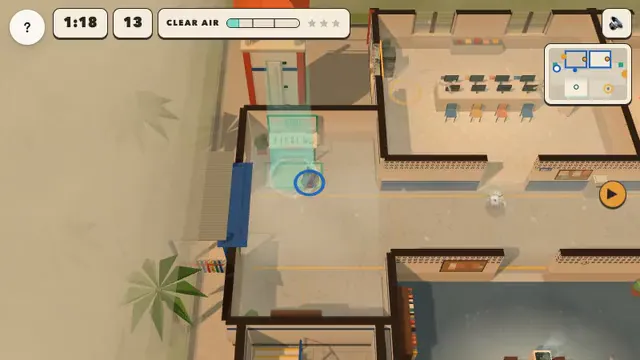
Clear Air Crew

Create, teach and play
| 2 Classrooms per teacher |
| 1 Private Deck |
| Up to 40 Students per Classroom |
| 7-day Classroom data retention |
| Play Now and 20+ Arcade games |
| Claim new games free every week |
US$ 96 billed annually
| 10 Classrooms per teacher |
| 100 Private Decks |
| Up to 60 Students per Classroom |
| 30-day Classroom data retention |
| Play Now and all released Arcade games |
| Keep games you claim, even after Pro ends. |
| Exclusive access to new features and apps |
Clear Air Crew
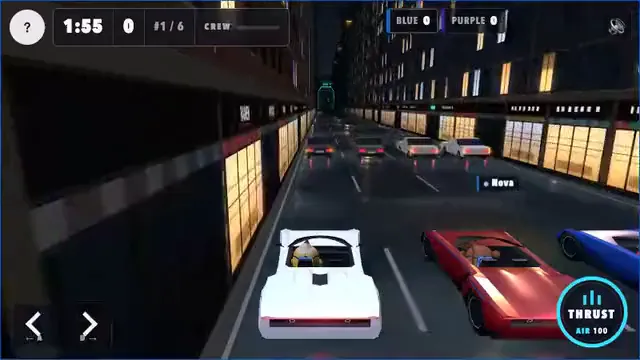
Rocket Roadster

City Spotters: Singapore

City Spotters: Paris
Bulk purchase of Pro plan subscriptions
For a school or department buying for several teachers, the Bundle Plan lets you buy multiple Pro subscriptions together.
| Centralized account management |
| Minimum bundle of 10 teacher subscriptions |
| Discount rates from 20% to 60% for large bundles |
| Purchase Order and Credit Card payment accepted |
| Teams workspace for sharing Decks and Classrooms across your school or department |
Is the Free plan really free?
The Free plan includes 1 private deck. Qualifying public decks in your account still add to your private deck allowance. You can use public and shared decks and play for free with Play Now. Come back each week to claim new games.
Are there ready-made Decks for use with my students?
Yes. Deck Gallery has ready-made lessons across many subjects and languages. You can use public and shared decks without creating another deck. Copying a lesson creates a deck and uses your deck allowance.
To create your own lesson with the Learning Paths Wizard, you need room within your deck limit.
What is the main difference between Free and Pro?
The Pro plan allows you to create 10 concurrent Classrooms and up to 100 private Decks. The complete comparison is shown above. Pro also includes all released Arcade games. Games already saved in a deck remain playable. On Free, claim restricted games before adding them or choosing them for Play Now or standalone play.
How do weekly game claims work?
Log in to Deck.Toys every week to claim your weekly free games.
Games you claim stay yours, including after Pro ends.
Pro includes all released Arcade games. Games already saved in a deck stay playable without a claim. To keep a restricted game for new selections, claim it on your Dashboard or, with Pro, add it to a deck or launch a new game, including in Play Now, to claim automatically.
Included games and Classics such as Quick Quiz stay free without a claim.
What payment methods do you accept?
We currently accept credit cards (Visa, Mastercard and American Express). For the Deck.Toys Bundle Plan, we also accept Purchase Orders.
How do students connect to my classroom?
Share the unique Deck.Toys Classroom web address with your students directly during the lesson or via your LMS. Then, students may join your classroom instantly with their Google or Microsoft accounts.
Not using Google or Microsoft accounts? Students may still join your classroom as a guest or with a new username & password.
Am I able to track my students' progress?
Yes! You may also generate a report for your whole classroom. Students data are stored for at least 7 days on the Free plan and 30 days on the Pro plan.
Have any further questions?
Contact us here. We are also available on social media: Facebook, Twitter, Instagram, TikTok, and Youtube.