Start from the actual materials, examples, and structure you already trust.
Interactive lesson builder for teachers
Start with what you already teach.
Upload your slides, notes, worksheets, or video. Deck.Toys helps you turn them into an editable interactive lesson path with checks for understanding, differentiation, and a clear finish for class.
- Built from your materials
- Editable before class
- Useful during class

Interactive lesson paths shaped for real classroom flow.
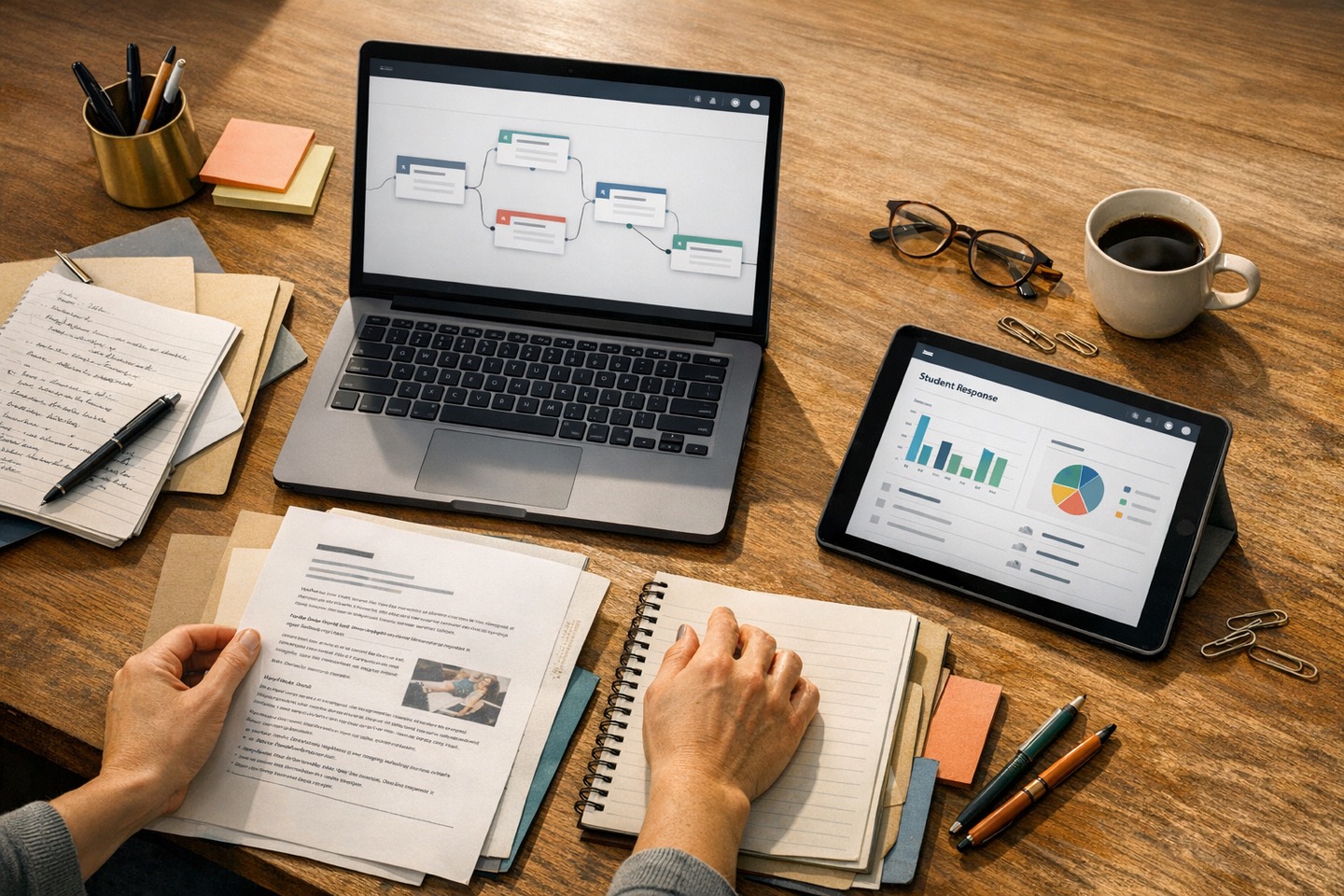
Your materials
Ready
Slides and notes
Start from what you already use to teach.
Worksheet or PDF
Keep the structure, examples, and prompts you prefer.
Video or media
Pull those pieces into a single lesson flow.
Lesson path
Editable
Hook
Guided task
Check for understanding
Exit task
Teacher judgment stays in
-
Class context What students are ready for, where they may need support, and what success should look like.
-
Pacing Teacher-led, self-paced, or a mix inside the same lesson.
Good teaching is contextual. Technology should help teachers shape that context, not pretend it is optional.
Deck.Toys is built for teachers who already know that the same lesson can land differently with different groups. The goal is not to replace that judgment. The goal is to help turn it into a clearer, more interactive classroom flow.
Review, edit, trim, add, or reorder the lesson before students ever see it.
A better starting point
Better than starting from a blank prompt
Start with the materials you already use. Then add what only you know about the class. That combination is what turns a generic output into something genuinely teachable.
Bring your materials
Slides, notes, PDFs, worksheets, and videos can all be part of the same starting point.
Add the class context
This is where class context comes in. It matters.
Shape the lesson path
Turn that material and context into a flow that feels ready for real students, not just ready on paper.
Keep the thinking that matters
Teacher judgment should stay visible in the lesson
The point is not to flatten good teaching into a generic script. The point is to reduce setup friction so more time goes into the class itself.
You decide
-
What to emphasise Choose the examples, misconceptions, and key takeaways that fit your class.
-
How much support is needed Set the level of scaffolding, challenge, or extension you want students to meet.
-
What success looks like Clarify the standard, the response quality, and the finish you want from the lesson.
Deck.Toys helps structure
-
The lesson path Build a sequence students can move through with purpose and visible progression.
-
Interactive checkpoints Add activities that let students respond, show thinking, and keep momentum moving.
-
Live review moments Use responses during the lesson to see where to pause, reteach, or push further.
Teachers already do the difficult thinking. Deck.Toys helps turn that thinking into an interactive path that is easier to run, easier to adapt, and easier to revisit after class.
From preparation to live teaching
Review it before class. Use it during class. Learn from it after class.
Deck.Toys is not only about generating an outline. It is about helping the lesson function when students are actually in front of you.
Start from actual teaching materials
The public wizard accepts files, deck references, video, and pasted text in one place so the lesson starts from something concrete.
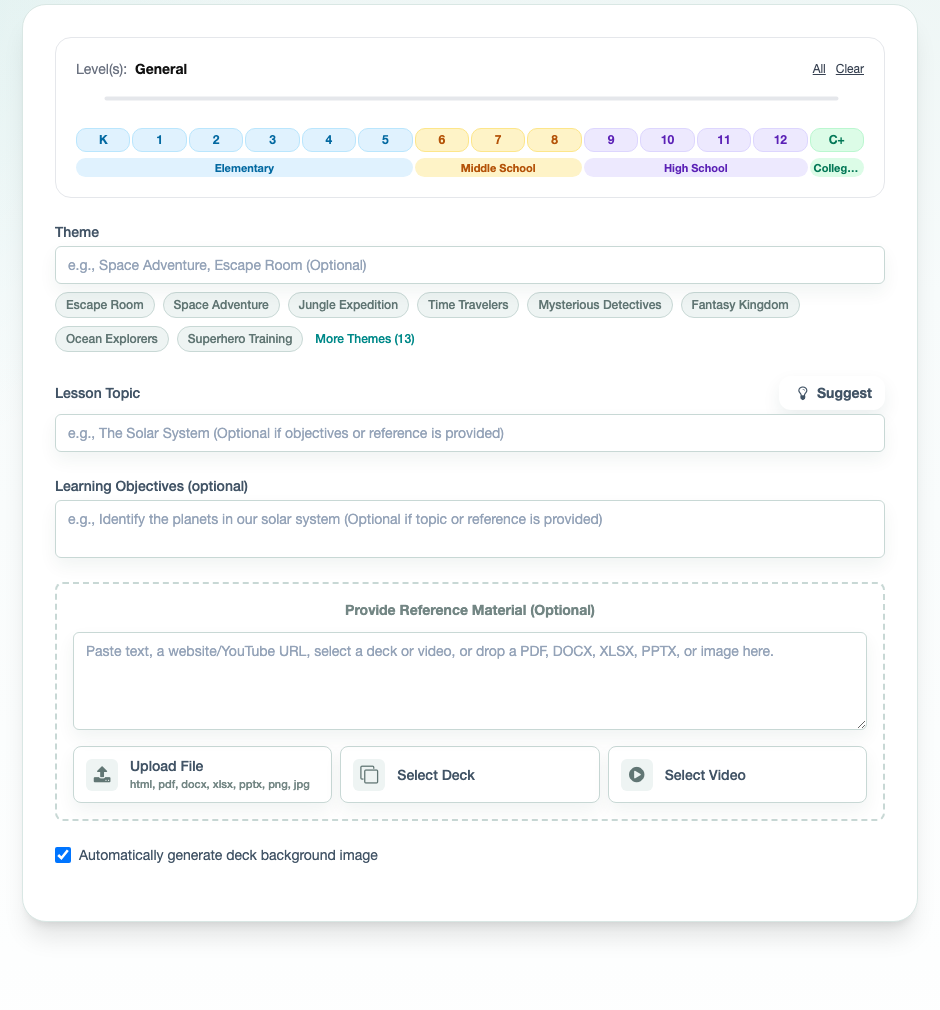
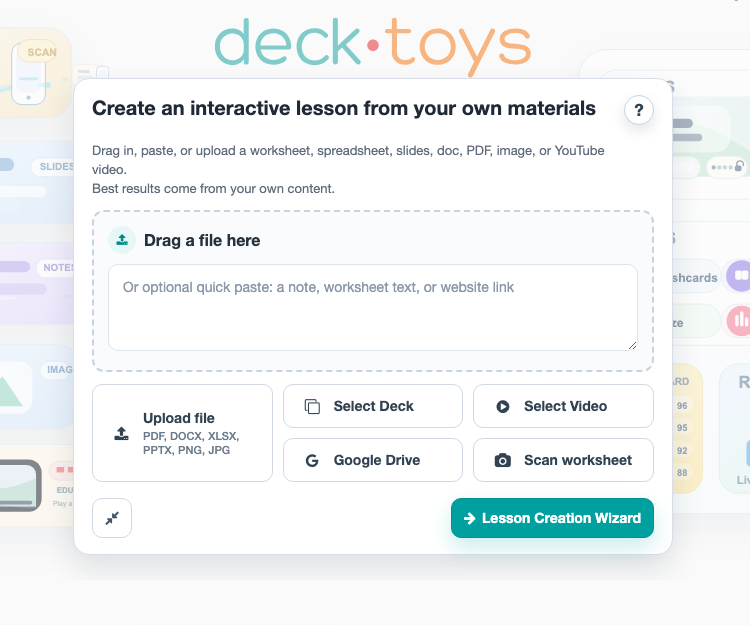
Launch it directly from the dashboard
Teachers can start from the dashboard and bring in a worksheet, PDF, slide deck, image, or video without leaving their normal workflow.
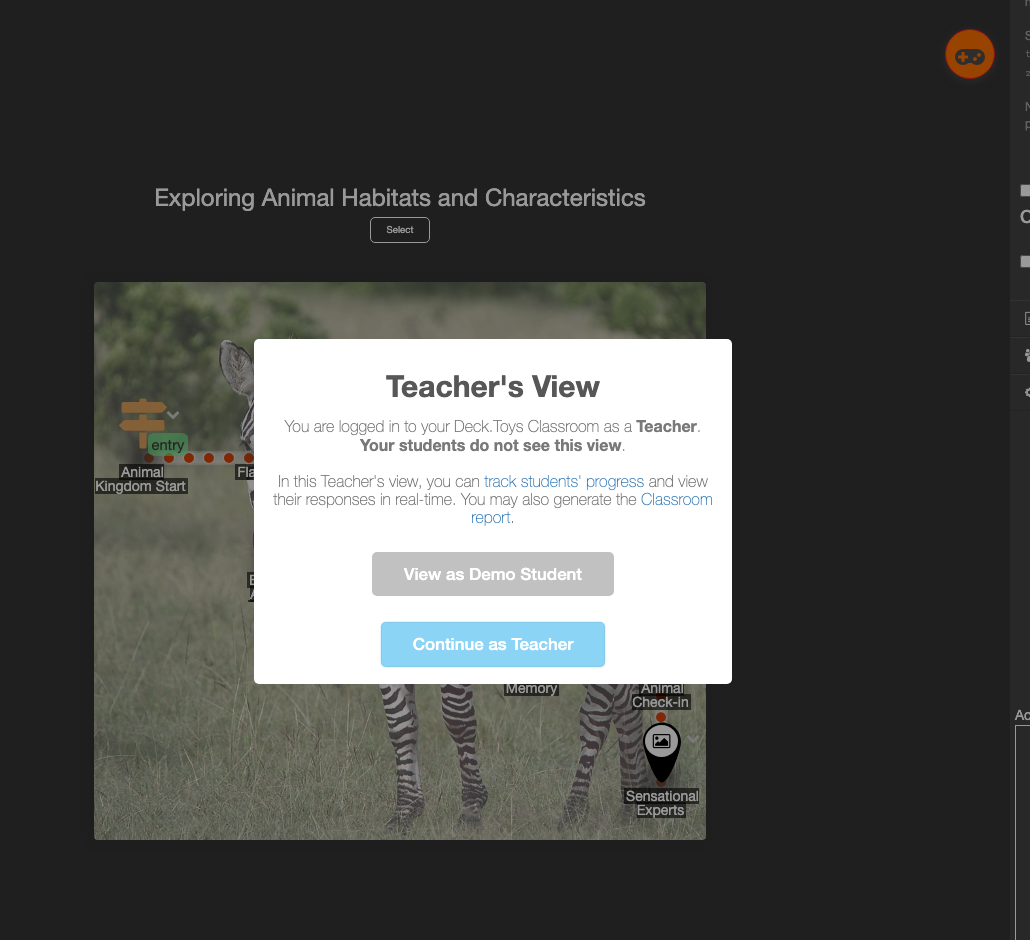
Built for the reality of a classroom
One lesson can hold teacher-led pacing, student choice, and quick checks for understanding
Designed for actual classroom flow
Some classes need more modeling. Some are ready to move faster. Some lessons work best as a shared discussion, while others open up when students can move at their own pace. Deck.Toys lets you shape one lesson path around those realities instead of forcing one mode all the way through.
- Use whole-class moments when you want the room moving together.
- Release independent sections when students are ready to explore.
- Check understanding without breaking the flow of the lesson.
- See where students need another explanation, not just where they clicked next.
Questions teachers ask
A few practical questions
Because teacher-facing tools only become useful when they respect the real shape of planning, editing, and live delivery.
Can I start from existing slides or worksheets?
Yes. Deck.Toys is designed to start from materials you already use, including slides, notes, worksheets, PDFs, and videos.
Is it editable before I use it with a class?
Yes. You can review the flow, adjust the sequence, add or remove activities, and refine the lesson before class.
Can I adapt it for different classes?
Yes. Duplicate the lesson path and adjust the pacing, support, or challenge for a different group.
Does this only work for full lesson plans?
No. It also works for warm-ups, short activities, station flows, revision lessons, and exit tasks.
Deck.Toys
Your lesson. More interactive. Less setup friction.
If you already know what you want students to learn, Deck.Toys helps you turn that into a lesson flow you can actually teach, revise, and reuse.